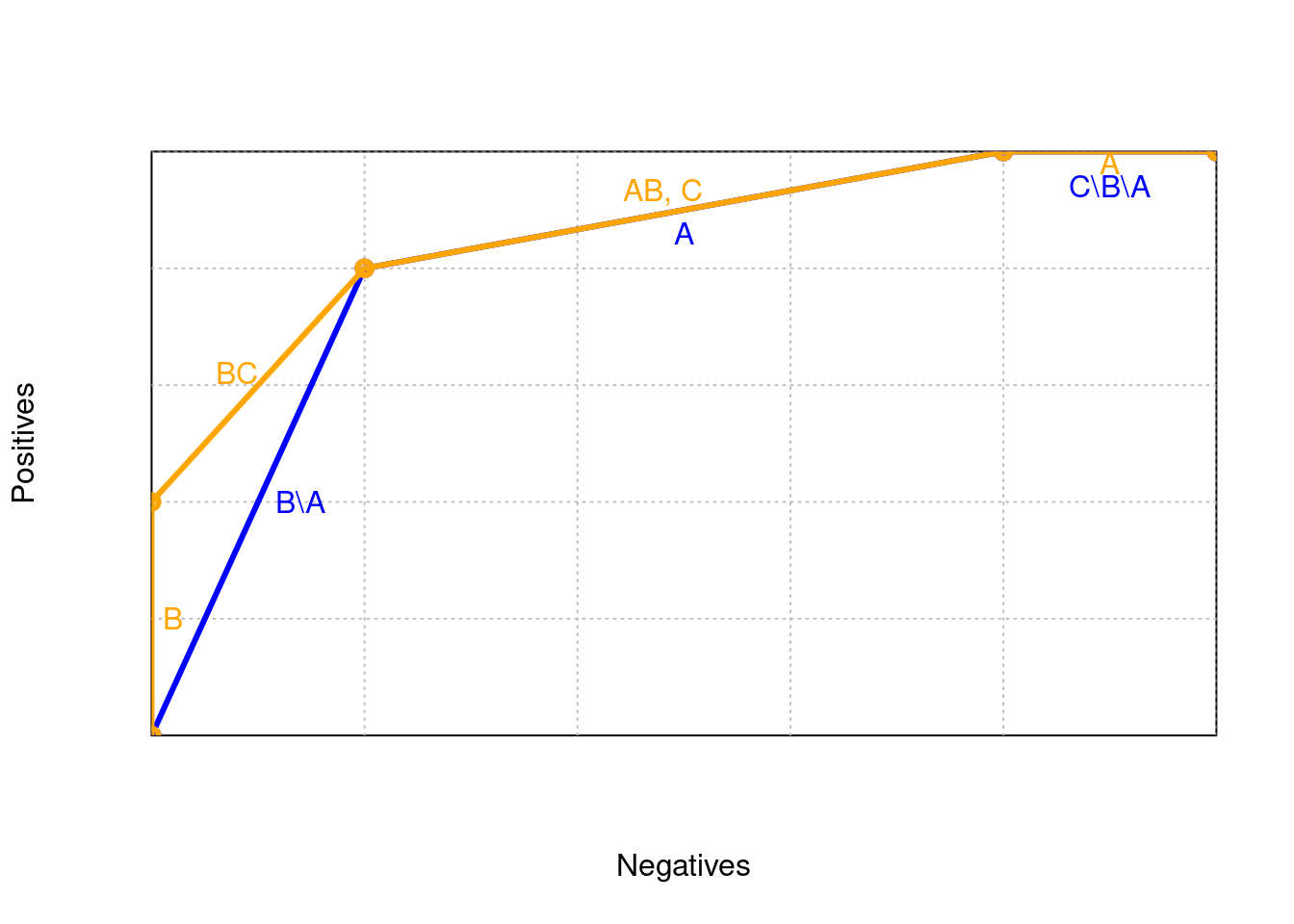
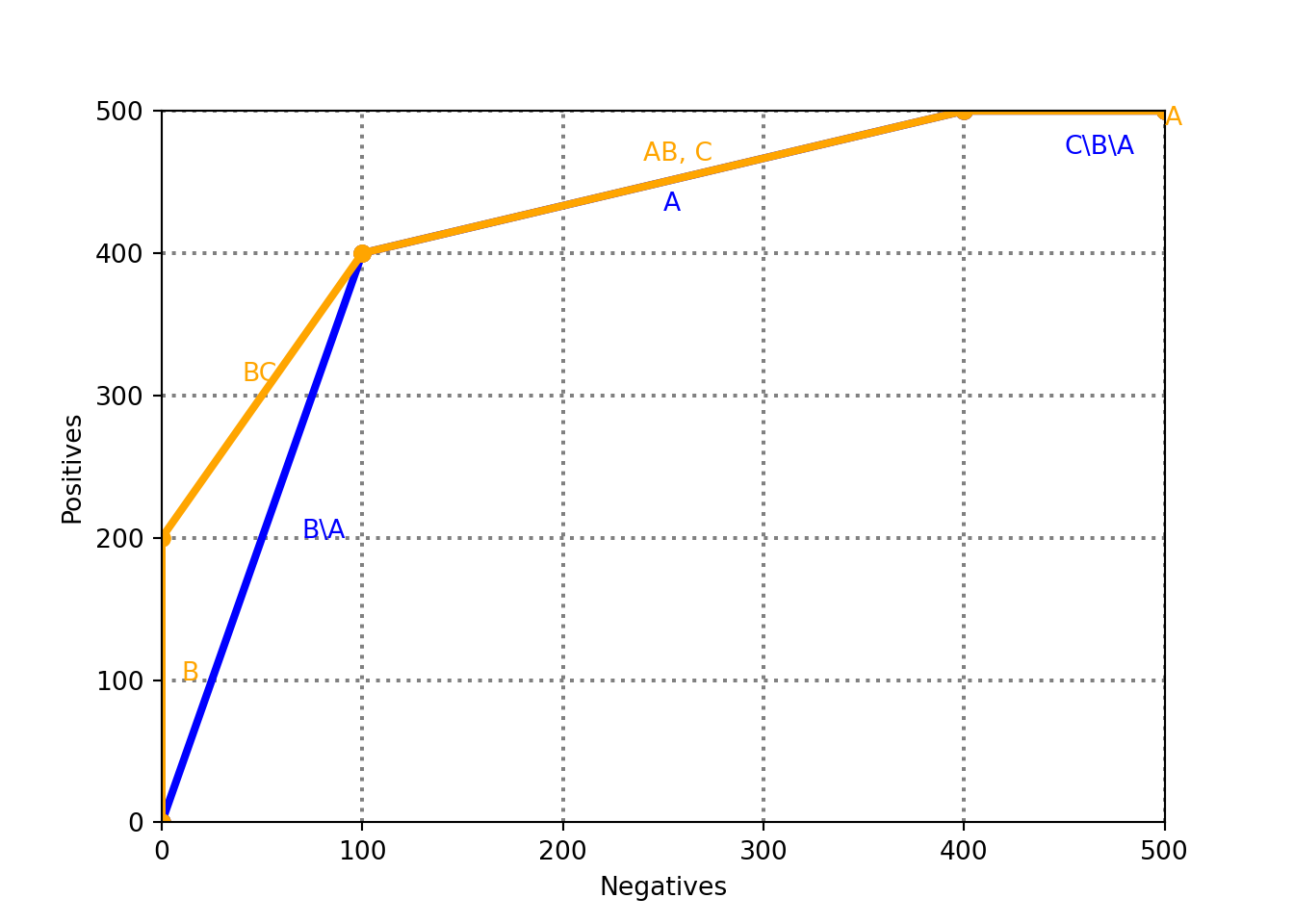
ax.set_xlabel("Negatives")
ax.set_ylabel("Positives")

gx = grid_step
while gx <= w:
    ax.axvline(gx, color="gray", linestyle="dotted")
    gx += grid_step

gy = grid_step
while gy <= h:
    ax.axhline(gy, color="gray", linestyle="dotted")
    gy += grid_step

a = [0, 100, 400, 500, 500]
b = [0, 400, 500, 500, 500]
col = "blue"
ax.plot(a, b, linewidth=3, marker='o', color=col)

ax.text((a[0]+a[1])/2 + 20, (b[0]+b[1])/2, "B\\A", color=col)
ax.text((a[1]+a[2])/2, (b[1]+b[2])/2 - 20, "A", color=col)
ax.text((a[2]+a[3])/2, (b[2]+b[3])/2 - 30, "C\\B\\A", color=col)

c = [0, 0, 100, 100, 400, 500, 500]
d = [0, 200, 400, 400, 500, 500, 500]
col = "orange"
ax.plot(c, d, linewidth=3, marker='o', color=col)

ax.text((c[0]+c[1])/2 + 10, (d[0]+d[1])/2, "B", color=col)
ax.text((c[1]+c[2])/2 - 10, (d[1]+d[2])/2 + 10, "BC", color=col)
ax.text((c[3]+c[4])/2 - 10, (d[2]+d[4])/2 + 15, "AB, C", color=col)
ax.text((c[5]+c[6])/2, (d[5]+d[6])/2 - 10, "A", color=col)

plt.show()